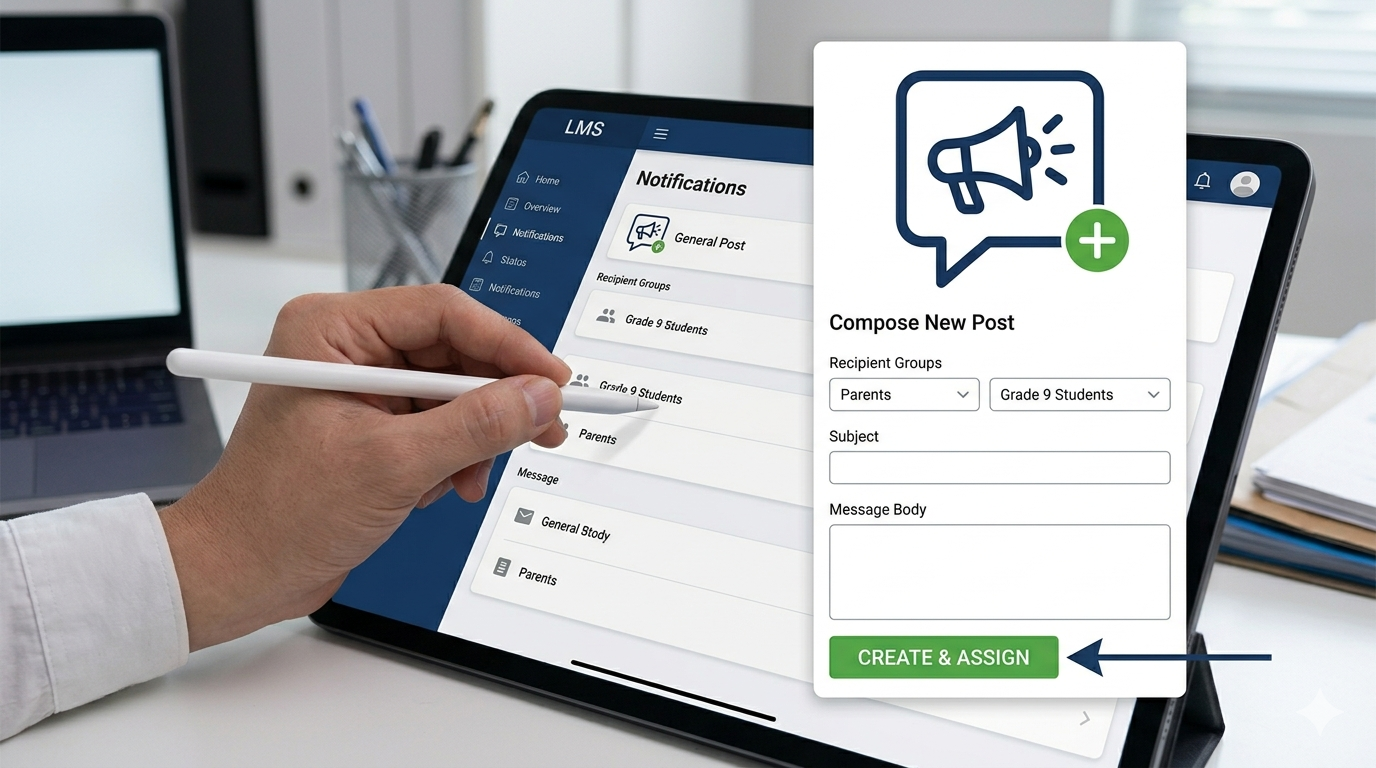
General Post is used to share non-homework updates within a group.
How to Create a Post
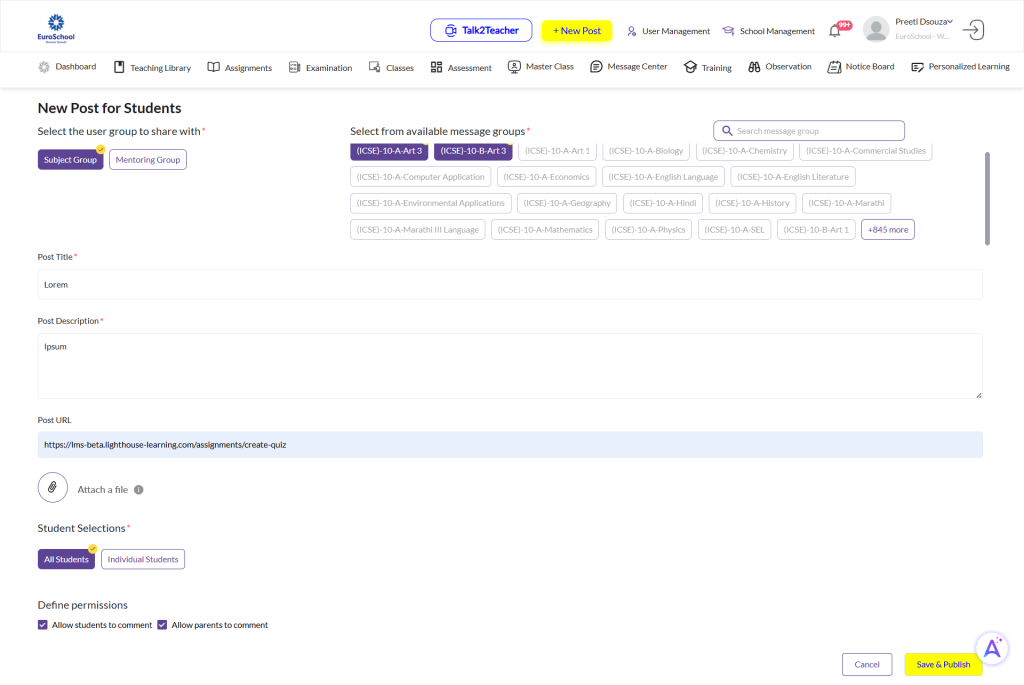
- Click + New Post
- Select General Post
- Select group:
- Subject Group / Mentoring Group
- Add:
- Title
- Description
- Optional:
- URL / Attachments
- Set permissions (comments if needed)
- Click Save & Publish
⚠️ Important Guidelines
- Use ONLY for non-academic communication
- Do NOT use for Homework
👉 [Insert screenshot: General post creation]
Manage Posts
- Go to Message Center → Group
- Click 3 dots (⋮):
- Edit
- Delete
If you’re unsure where to post – ask yourself: Is it Homework, Official Announcement, or General Update?
Frequently Asked Questions
General Post is for updates/reminders, while Homework is for assignments.
Students and parents in the selected group (Subject/Mentoring group).
Yes. Go to Message Center → Group → 3 dots (⋮) and select Edit/Delete.
Yes. You can enable or disable comments while creating the post.
Yes. You can upload documents, images, videos, or audio (within size limits).
